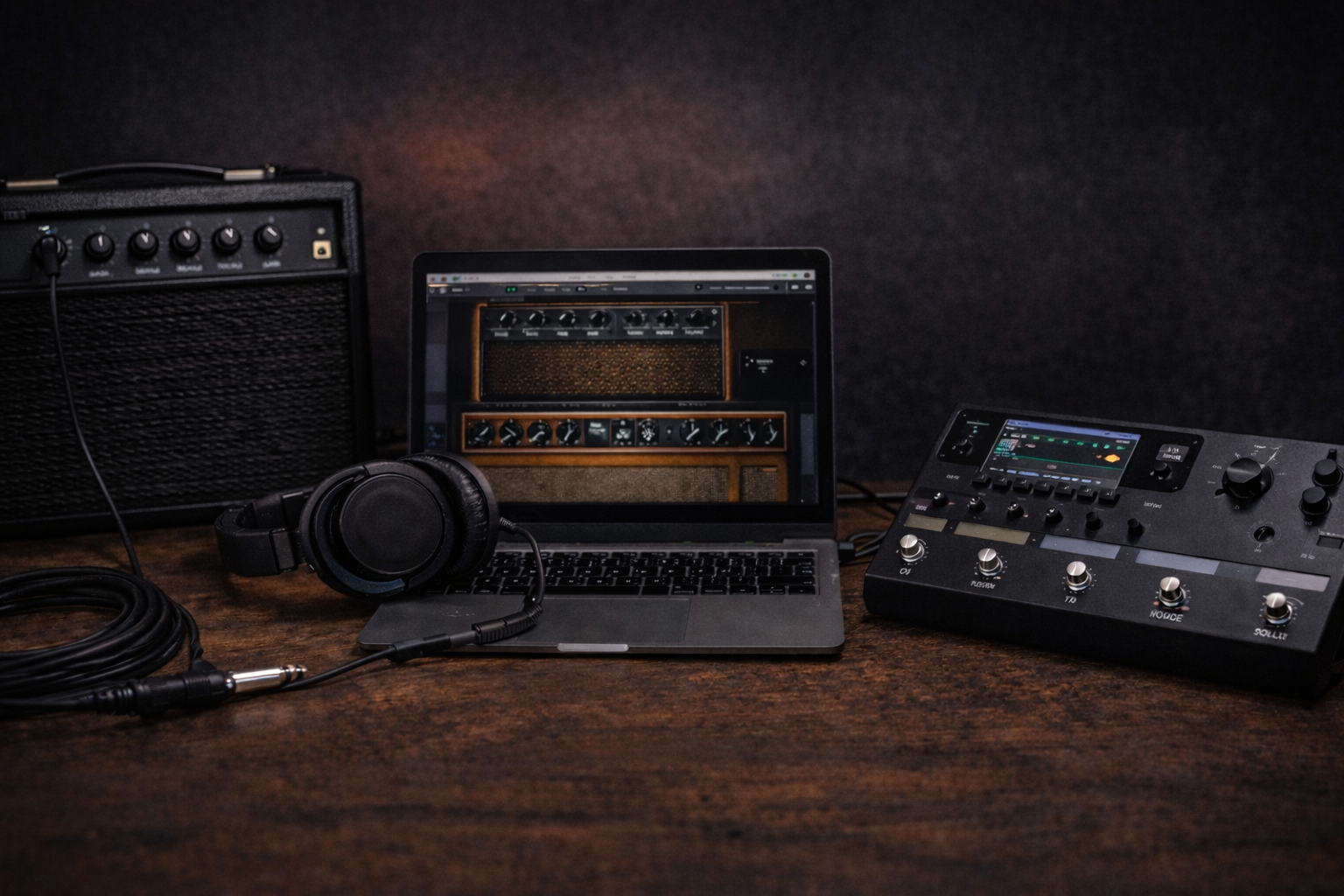
Practice Amp vs Amp Sim vs Multi-FX: What Actually Works at Home?
Choosing between a small practice amp, an amp sim on your computer, or a multi-FX/modeler can be confusing. Every video has a different opinion, every comment section claims to be right, and you just want a setup that sounds good in a real apartment or bedroom.
This guide compares a simple practice amp with a guitar amp simulator on your computer and a modern guitar amp modeler / multi-FX in plain language: tone, feel, budget, neighbor risk, and how each option scales in the future.
The goal is simple: end up with a rig that makes you want to practice, not one more thing to stress over.
One-sentence shortcut: if you want plug-and-play, pick a good practice amp; if you care most about silent practice and recording, go with a guitar amp simulator or modeler plus headphones.
Practice Amp vs Amp Sim: Quick Answer (Plus Multi-FX)
If you just want a fast direction before the deep dive, here it is:
- If you want the simplest solution: get a good practice amp. Plug in, play, done.
- If you already sit at a computer a lot and like headphones: a guitar amp simulator (amp sim) + audio interface makes a lot of sense.
- If you don’t want to rely on a computer but like flexible tones: a small modeler or multi-FX is a strong middle ground.
Here’s a quick comparison table to frame the decision:
| Option | Best for | Key pros / cons |
|---|---|---|
| Practice amp | Simple home practice on a budget | Immediate and inspiring; limited tone variety and recording options |
| Guitar amp simulator (amp sim) | Headphone practice and recording | Huge flexibility and great recording; latency and setup can be a headache |
| Multi-FX / guitar amp modeler | Computer-free practice and future jams/gigs | Lots of tones in one box; menus and editing can feel complex at first |
If you’re leaning toward a real amp, start with this shortlist: best practice amps under $200. If silent practice is a big deal, pair that with best budget headphones for guitar practice.
First Question: What Do You Actually Need at Home?
There is no single “best” option. There is only the one that fits your life. Before anything else, be honest about these questions:
- How quiet do you really need to be? If neighbors or family are a problem, a good headphone path is not optional.
- Is your computer already part of your everyday setup? If a decent laptop is always on, a guitar amp simulator becomes much more attractive.
- Do you see yourself jamming or gigging later? If yes, think about whether your choice can scale beyond the bedroom.
- Do you enjoy tweaking, or do you hate menus? If you dislike scrolling through settings, too much flexibility can kill motivation.
For the bigger picture of what a working beginner rig looks like, check the beginner guitar checklist once you finish this guide.
How these options are compared: everything here is based on real home use with small practice amps, guitar amp simulators in a DAW, and compact guitar amp modelers at true apartment volume. The focus is on feel, noise for neighbors, setup friction and long-term usefulness, not on spec sheets alone.
Practice Amp: Plug-and-Play Combo for Home
The classic route: a small combo amp with volume, gain, EQ, and maybe a few built-in effects. When you pick the right one, it’s still one of the most motivating options for home players.
Pros
- Instant gratification: plug in, turn a few knobs, and you’re playing. No drivers, updates, or software.
- Real speaker moving air: even a small speaker gives you a physical feel that plugins and tiny phone speakers don’t.
- Computer-independent: you can practice even when your laptop is off or busy with something else.
- Simple controls: a few knobs make it easier to find a “good enough” tone and just play.
Cons
- Truly silent practice is limited: if there’s no headphone out, late-night playing can be a problem.
- Recording is more work: without USB, you need a mic or line-out trick to record.
- Tonal range: one small amp will not cover every style perfectly. It’s a compromise by design.
Who is a practice amp for?
- Players who want to come home, plug in, and play for 20–40 minutes without touching a computer.
- Beginners who get overwhelmed by too many options.
- Anyone who might jam or rehearse at modest volume later.
If this path feels right, it’s worth looking at specific models rather than shopping blind: best practice amps under $200 and the deeper dive in Blackstar ID:Core 10 V4 review are good starting points.
Guitar Amp Simulator (Amp Sims): Huge Tone Flexibility, Some Setup Overhead
A guitar amp simulator runs on your computer through an audio interface. It simulates amps, cabs, and pedals in software. The sound quality can be excellent, but you trade simplicity for flexibility.
Pros
- Massive tone variety: many amps, cabs, mics, and effects in one package.
- Recording-friendly: you’re already in a DAW, so recording riffs and songs is straightforward.
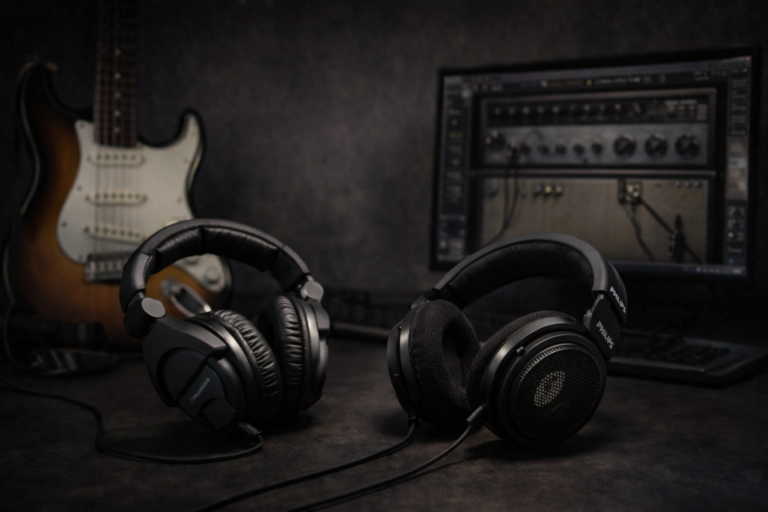
- Headphone-friendly: with a good pair of cans, you can practice at almost any hour.
- Long-term value: one interface and a couple of plugins can carry you for years.
Cons
- Latency: poor settings or a weak computer create a noticeable delay under your fingers.
- Tweaking trap: it’s easy to spend more time changing presets than actually playing guitar.
- Technical friction: drivers, buffer sizes, DAW setup—none of this is impossible, but it’s extra overhead.
Who are amp sims for?
- Players who enjoy recording and working inside a DAW.
- People who already sit at a desk with a decent computer and headphones.
- Detail-focused players who actually like tweaking IRs, EQ, and signal chains.
To fix the usual “why does this sound so bad?” problems with a home guitar amp simulator setup, use this trio in order: why your electric guitar sounds bad at home and how to fix it, the low volume guitar tone guide, and the deeper guitar EQ guide for detailed frequency work.
Guitar Amp Modeler / Multi-FX: Digital Brain Without a Computer
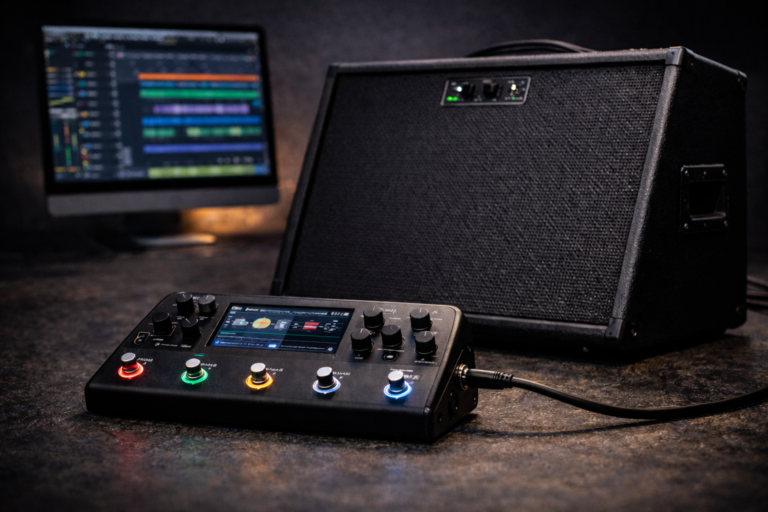
A multi-FX or compact digital amp modeler takes the amp sim idea and puts it into a floor unit or desktop box. Most have amp models, cab sims or IR loading, effects, and a headphone output. Some can go straight to a PA or powered speaker for rehearsals and gigs.
Pros
- All-in-one box: amp, cab, effects, and headphone practice in a single device.
- Computer-free flexibility: you can use the same presets in the bedroom, at rehearsal, or on stage.
- Long-term rig: a good guitar amp modeler can be a “hub” for years as you upgrade everything around it.
Cons
- Interface complexity: some units have lots of menus and pages; editing patches can take time.
- Extra gear to sound best: for live use you might want an FRFR speaker or power amp and cab.
- Upfront cost: often more expensive than a basic practice amp.
Who are modelers for?
- Players who want one device for home, rehearsal, and small gigs.
- People who don’t want a full pedalboard but still want effects variety.
- Anyone willing to spend some time learning a menu system in exchange for flexibility.
At Low Volume, Which One Wins?
When you drop to true “bedroom level,” the main issue is how much air you move and where that sound actually goes.
- Practice amp: a small speaker can feel a bit lifeless when the volume is extremely low. A good headphone out helps a lot here.
- Guitar amp simulator + headphones: almost zero noise for everyone around you, but harshness and fizz are easy to notice. You need good cab sims and smart EQ.
- Guitar amp modeler: flexible for both headphones and small speakers. You can keep a “night preset” with less gain, more mids, and controlled highs.
In short: if neighbor drama is your main fear, any option with a solid headphone path jumps to the top of the list. The quality of your headphones matters just as much as the box feeding them—see budget headphones for guitar practice for concrete picks.
Cost and Upgrade Path: Thinking Two Years Ahead
It’s easy to look only at the price tag today. It’s smarter to look at where each choice leads in two or three years.
The practice amp path
- Start: one box, one cable, maybe a pair of headphones. Very simple.
- Later: if you join a loud band, you may want a second, more powerful amp.
The amp sim path
- Start: audio interface, plugin(s), and headphones.
- Later: your recording tone can be excellent, but for live work you’ll likely add a modeler or dedicated amp anyway.
The modeler path
- Start: one box + headphones or small monitors.
- Later: you can keep the modeler and just add an FRFR speaker, power amp, or PA connection for rehearsal and gigs.
On the guitar side, the same logic applies: a comfortable entry-level instrument that stays in tune plus a decent sound source beats an expensive guitar into a weak rig. For realistic options, check electric guitars under $300.
Which Profile Sounds Like You?
“I come home from work and just want 30 minutes of playing.”
- Best fit: a good practice amp with a headphone output.
- Friction is the enemy here; you want a rig that works every time you touch it.
“I need to be quiet but want detailed, focused practice.”
- Best fit: a guitar amp simulator with solid headphones, or a small modeler with a good headphone out.
- You can loop backing tracks, record takes, and hear every detail without waking anyone up.
“I’m planning to rehearse and play small gigs later.”
- Best fit: a compact guitar amp modeler or a practice amp that can handle rehearsals.
- Using nearly the same core presets at home, in rehearsal, and on stage makes your life easier.
“I love tweaking tones and chasing details.”
- Best fit: amp sims with IRs and detailed EQ, or a deep-edit modeler.
- Combine that with the guitar EQ guide and low volume guitar tone workflow and you can sculpt sounds for days.
Practice Amp vs Guitar Amp Simulator vs Guitar Amp Modeler: Pros and Cons Summary
If you still feel torn on the practice amp vs amp sim decision or stuck in the classic amp sim vs modeler debate, this side-by-side view makes it easier to see where each one shines.
| Practice amp | Guitar amp simulator (amp sim) | Guitar amp modeler | |
|---|---|---|---|
| Setup | Plug in and play, no software | Requires interface, software, and basic setup | One digital amp modeler box, some menu learning |
| Tone variety | Limited to what’s built into the amp | Huge range of amps, cabs, and pedals | Lots of amps/effects; easy to reuse presets live |
| Headphone practice | Great if it has a good headphone out | Excellent, especially with quality headphones | Excellent; many units are designed around headphones |
| Recording | Needs mic or line-out workaround | Lives inside the DAW, ready to record | USB or direct-out on many guitar amp modelers |
| Complexity | Very low; easy to live with | Higher; more menus and settings | Medium to high; depends on the unit |
| Long-term growth | May need a second, bigger amp later | Great for recording; live work usually needs extra gear | Scales from bedroom to rehearsal and small gigs |
Once you know which column lines up with your real life, choosing between a practice amp vs amp sim and a guitar amp modeler stops being an abstract argument and becomes a simple, practical call.
Universal Tips That Help Any Rig
- Don’t drown everything in gain: high gain at low volume usually equals fizz and mush.
- Keep the mids honest: guitar is a midrange instrument; scooping mids makes you disappear.
- Use EQ for low volume: high-pass and high cut (especially on sims and digital amp modelers) make a huge difference.
- Save good presets: once something feels and sounds right, save it so you can get back there in one click.
Verdict
There is no absolute winner in the practice amp vs amp sim debate. The “best” choice depends on how you live, when you play, and what you enjoy. If silence and recording matter most, a guitar amp simulator or a modeler with headphones are incredible tools. If you just want to plug in and get inspired without screens, a good practice amp is still hard to beat.
Pick the path that makes daily playing easier, not the one that only looks impressive on paper. The rig that gets you practicing consistently will always win over the one that only looks perfect in a comment thread—even if it’s not the so-called best amp simulator on the market.
FAQ
Does a practice amp or an amp sim sound better?
Either can sound great or terrible. A well-set-up guitar amp simulator with a good IR and headphones can easily beat a cheap amp. A decent physical amp in a good room can feel more inspiring than a badly configured plugin. It comes down to how you set each one up.
Is an amp sim enough for a complete beginner?
Yes. With a computer, audio interface, and headphones you can learn for years. But if you find yourself avoiding practice because turning everything on is a chore, a simple practice amp may actually help you play more.
Can a multi-FX replace a practice amp?
For many players, yes. With headphones or small speakers, a guitar amp modeler can cover home practice, rehearsals, and small gigs. You just need something to amplify it if you want to push air in the room.
Is a guitar amp modeler better than a tube amp at home?
Not automatically. A guitar amp modeler gives you lots of tones at neighbor-friendly volume, which is a huge win in apartments. But if you love the feel of a real tube amp and can turn up a little, a small combo might still feel more inspiring. It depends on your volume limits and how much you value flexibility.
What is the best amp simulator setup for beginners?
There is no single best amp simulator for everyone, but a simple chain works well: a reliable audio interface, one or two easy-to-use plugins, and a comfortable pair of headphones. Keep your first patches simple—one amp, one cab, light reverb—and save anything that feels good so you do not get lost in options.
My home tone still sounds bad. Where should I start?
Start with the basics: volume level, speakers or headphones, and cab choice. Then work through why your electric guitar sounds bad at home, use the low volume guitar tone guide, and finish with the guitar EQ guide for fine-tuning.
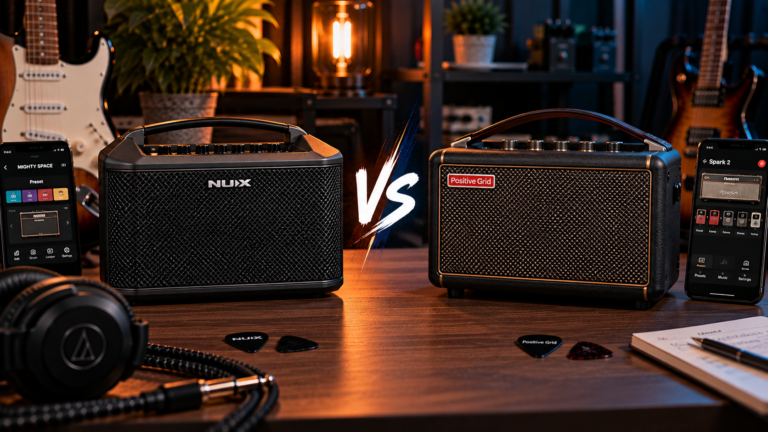
For specific compact options, start with our guitar headphone amp guide, then compare the Harley Benton DNAfx AmP10 review and Mooer SD10i review for two very different budget practice-amp approaches.
One Comment
Comments are closed.