Hotone Pulze Review: Desktop Guitar Amp, Interface and Practice Rig in One
In this Hotone Pulze review we look at what this 30W stereo Bluetooth modeling amp with a touchscreen, IR support and USB audio actually does for a home guitarist in day-to-day use – not just on a spec sheet, but on a real desk in a real room.
Hotone Pulze at a glance
- 30W stereo Class D power (15W + 15W).
- Dual 3.5″ custom full-range speakers in a tuned ABS cabinet.
- 4″ 800×480 colour touchscreen with flexible UI.
- CDCM HD & F.I.R.E. modeling engine with 40+ amp models and 40+ cab models.
- Cab IR loader with up to 20 user IR slots and several Celestion-authorised IRs on board.
- Up to 7 simultaneous effect modules and 170+ effects available.
- 2-in/2-out USB-C audio interface with loopback and reamp support.
- Bluetooth 5.0 for audio streaming and remote control via app.
- Drum machine with 100 patterns plus metronome.
- Up to 200 user presets stored internally.
On paper it sits somewhere between a pure “fun practice amp” and a compact modelling rig that can genuinely handle practice, demo recording and even small-room playing if you keep your expectations realistic.
Build quality and design
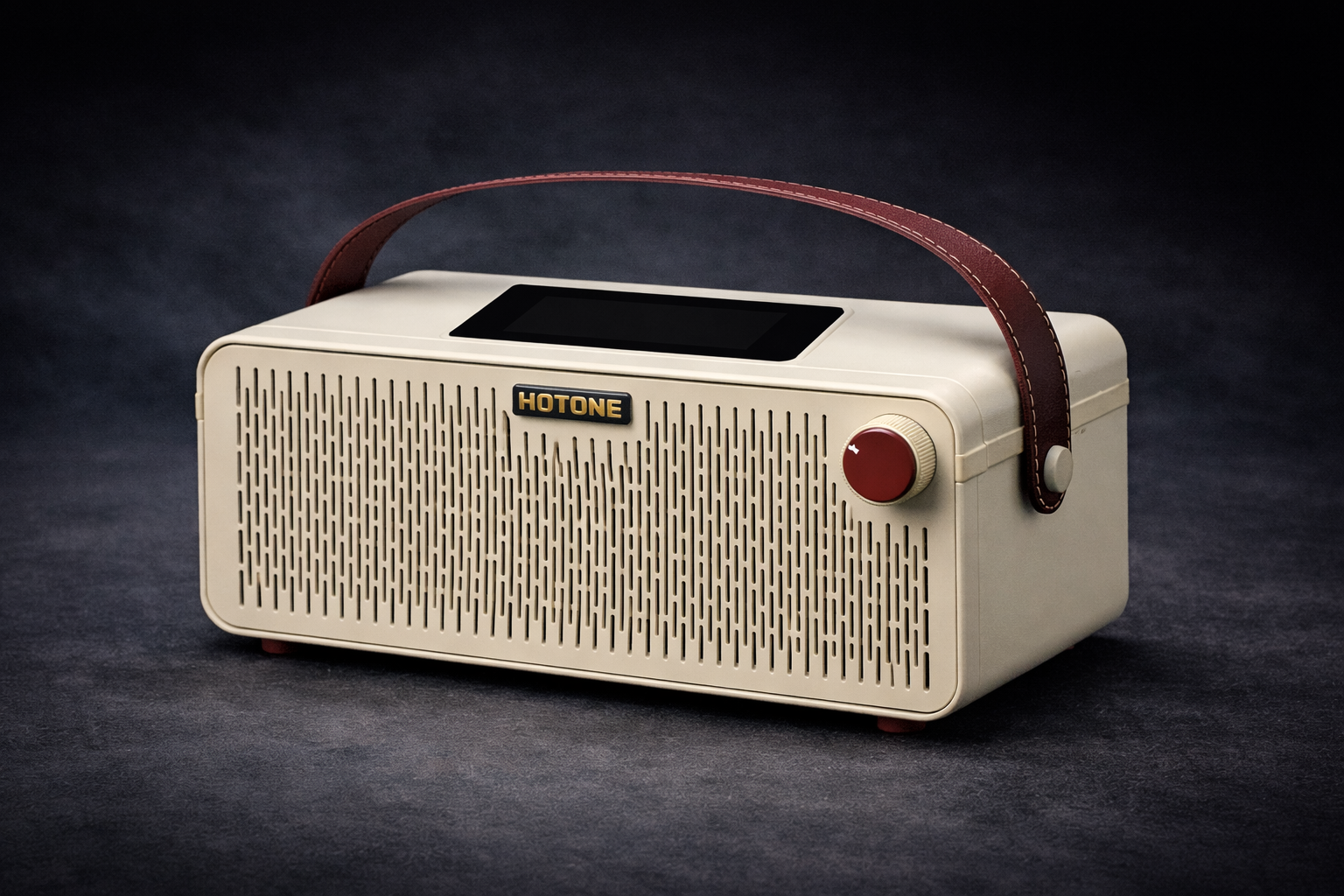
Physically, the Pulze is closer to a small hi-fi speaker than a traditional guitar combo. The ABS enclosure feels solid rather than flimsy, and at around 3.8 kg it has enough weight to stay put on a desk. The front grille hides two 3.5″ full-range drivers, and the cabinet is tuned to give more bass and stereo width than you’d expect from its footprint.
The 4″ touchscreen on top is a big part of the experience. Instead of tiny two-line menus, you get a clear view of your signal chain and parameters. It won’t replace a mouse and 27″ monitor for deep editing, but for a desktop amp the UI is genuinely usable: tap to change modules, swipe through amp models, adjust effect levels with your finger.
Buttons and knobs feel decent for the price bracket. It’s still a consumer device, not a mil-spec tank, but nothing gives the impression that it will fall apart after a couple of months of daily use, as long as you treat it like electronics and not a flight case.
Amp modeling, cabinets and IRs
At the heart of the Pulze is Hotone’s CDCM HD & F.I.R.E. modeling engine. The headline numbers are roughly 46 amp models, 48 cab models and over 170 effects including drives, dynamics, filters, modulation, delay and reverb. That’s more than enough to cover classic Fender/Vox/Marshall territory, various modern high-gain options and a lot of in-between flavours.
The cab section is more flexible than many small practice amps. You can choose from the built-in cab models, use the included Celestion IRs, or load your own mono IRs (up to 20 slots). If you already have a folder of favourite IRs from studio work or other modelers, being able to drop them into the Pulze is a genuine selling point – especially for headphone playing and recording.
The signal chain is modular: you can have up to seven effect blocks active at once and change their order. That means you can build sensible, studio-style chains (comp → drive → amp → cab → mod → delay → reverb) or weird sound-design stacks if you want to experiment.
Sound: clean, crunch and high gain in a real room
The Pulze lives or dies on how it sounds at the kind of volumes you actually use at home. The short version: it does well in the clean-to-medium-gain range and is “good enough” at high gain if you’re realistic about what a pair of 3.5″ speakers can do.
Clean and edge-of-breakup: This is where the Pulze feels most natural. Blackface and similar models give you chime and clarity without the brittle top end you sometimes get from very small speakers. Light breakup tones with a touch of reverb and delay work nicely for chords and melodic lines; the stereo field makes simple parts feel more “produced” than they really are.
Classic rock and medium gain: With moderate drive settings the Pulze is convincing. Power chords stay readable, single-note lines sustain without turning into mush and the amp reacts to pick dynamics enough that rolling back your volume knob or softening your touch actually changes the feel. It still sounds like a small box compared to a 1×12 on the floor, but for a desktop it’s more inspiring than many ultra-compact practice amps.
High gain and modern tones: The high-gain models are perfectly usable for practice, but they don’t magically turn the Pulze into a full-size stage rig. Palm mutes are tight enough if you keep the low end sensible, and lead tones can be fattened up with the right IR choice, but if your entire life is extended-range metal at insane gain levels, a different solution might make more sense. Think of the Pulze as “can do high gain when needed”, not “built only for high gain”.
USB audio, reamp and livestreaming
One of the Pulze’s biggest advantages over simple practice amps is that it doubles as a 2-in/2-out USB audio interface. Plug a USB-C cable into your computer and you can:
- Record the processed guitar sound directly into your DAW.
- Record a dry signal for reamping later through the Pulze’s models.
- Play back DAW audio or backing tracks through the Pulze’s speakers or headphones.
- Use the loopback function for livestreaming with backing tracks and processed guitar mixed together.
For a single-guitarist home setup that’s often enough. You’re not going to track a full drum kit through it, but that’s not the point. It’s a simple way to go from “idea in your head” to “recorded idea in your DAW” without another box on the desk.
Everyday practice and workflow
Day to day, the Pulze is at its best when you treat it like part of the furniture. It can sit on a desk or shelf, always plugged in, always ready. Because it can also act as a Bluetooth speaker for general music listening, it’s more likely to be switched on even when you’re not actively practicing – which makes “I’ll just plug in for five minutes” a lot more likely to happen.
The built-in drum patterns and metronome are genuinely useful for timing practice. They’re not a replacement for a full backing track library, but they’re good enough to push you out of the habit of playing everything completely alone. For late-night sessions, the headphone output lets you keep stereo effects and IR tones without waking anyone up.
Who is the Hotone Pulze really for?
Based on its feature set and behaviour, the Pulze makes sense for:
- Home and bedroom players who want something more inspiring than a tiny plastic practice amp but don’t have the space or volume allowance for a bigger combo.
- Guitarists who record demos at home and like the idea of one box handling both tone and basic interface duties.
- Players who practice with backing tracks, YouTube lessons or online courses and want guitar + playback + drums to come from the same spot.
- People who enjoy tweaking tones enough to use a touchscreen and app, but don’t want to live in deep menus on a floorboard processor.
If you already own a good multi-channel interface, a pair of serious studio monitors and a favourite amp sim suite, the Pulze is more of a convenience and inspiration tool than a core studio purchase.
Pros and cons
What the Pulze does well
- Clean and medium-gain tones feel lively and three-dimensional for a small desktop box.
- Real IR loading with user slots is rare at this size and price.
- USB audio with loopback and reamp makes it genuinely useful for recording and streaming.
- Touchscreen UI is miles ahead of tiny two-line displays for editing.
- Bluetooth audio + drum machine + presets = a complete practice environment.
Where it falls short
- Still a compact 2×3.5″ speaker system – it will not move air like a 1×12 or 2×12 combo.
- High-gain tones are fine for practice but not the main reason to buy this amp.
- Because it has its own voicing, it’s not a neutral reference monitor for critical mixing.
- The amount of options can feel overwhelming at first if you just want “one good sound”.
Alternatives and competition
The Pulze sits in the same general space as several popular desktop-oriented modeling amps:
- Yamaha THR10II / THR30II: Very polished sounds, excellent for “produced” home tones and hi-fi playback. Less about deep editing, more about plug-and-play. No touchscreen or IR loading, but extremely refined overall.
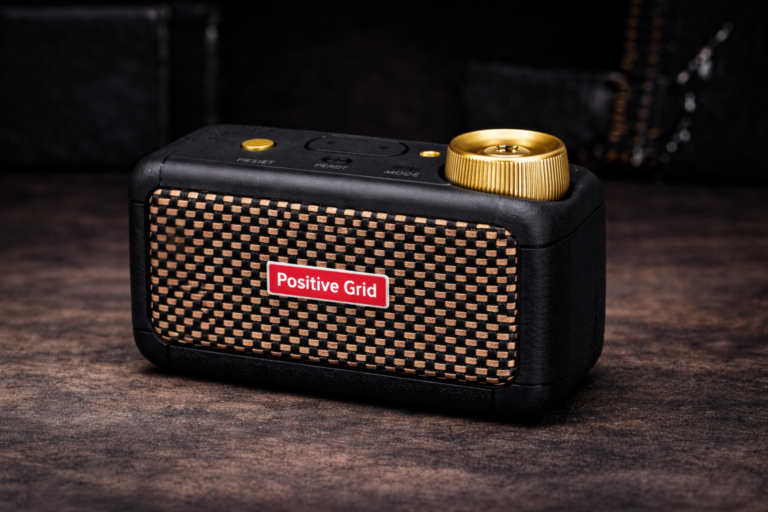
- Positive Grid Spark 40: Similar “smart amp” pitch with lots of app integration and community presets. More focused on presets and jamming features; no touchscreen on the unit itself.
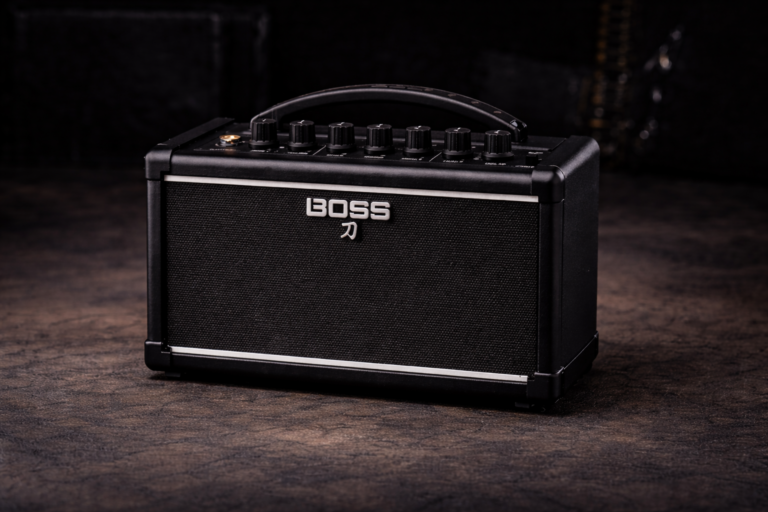
- Boss Dual Cube LX / Katana Air: Lean a bit more toward traditional amp feel with Boss effects and flexible routing. Strong on reliability and consistency; less focused on IRs and touchscreen UI.
Compared to these, the Pulze’s main angle is the combination of touchscreen control, IR loading and a relatively open signal-chain architecture in a single desktop box. Whether that matters more to you than, for example, Yamaha’s “just sounds good out of the box” approach is a taste call.
Simple starting points for good tones
To keep things practical, here are a few quick Pulze setups that tend to work well:
- Clean with sparkle: Choose a blackface-style amp, keep gain low, bass around 4–5, mids around 5–6, treble around 5. Add a short plate reverb and a subtle stereo delay. Great for chords and melodic lines.
- Edge-of-breakup rhythm: Slightly higher gain on the same amp, maybe a touch of compressor in front, reverb shorter. Aim so that digging in makes the sound crunch, but light picking stays clean.
- Classic rock lead: Medium-gain British-style amp, a basic overdrive in front with low drive and higher level, delay around 350–400 ms with low mix. Roll the guitar tone knob back if things get too sharp.
- Headphone-friendly recording tone: Pick an IR that sounds slightly darker than your normal speaker choice, cut a little low end and top end in the cab/EQ block, keep modulation subtle.
Verdict: is the Hotone Pulze worth it?
The Hotone Pulze isn’t a replacement for a full-blown live rig or a neutral studio monitor setup, and it doesn’t pretend to be. What it does offer is a very practical mix of features for a modern home guitarist: usable stereo tones, a flexible modeling engine with IRs, real USB audio, and a desktop form factor that makes you more likely to actually plug in and play.
If you want one box that can handle practice, jamming with tracks, basic recording and even the odd small-room session, the Pulze is easy to recommend – as long as you accept it for what it is: a clever, compact modeling amp designed around a desk, not a 100-watt stack shrunk into a shoebox.
FAQ: Hotone Pulze review, tone and use cases
Is the Hotone Pulze loud enough for band rehearsals?
The Pulze’s 30W stereo power is plenty for home and small-room playing, and it can keep up with very controlled rehearsals if everyone keeps the volume sensible. That said, it’s designed first as a desktop amp; for loud drummers and bigger rooms, a traditional stage amp or a PA feed will still work better.
Can I use the Hotone Pulze as my only audio interface?
For a single-guitarist home setup, yes. The Pulze works as a 2-in/2-out USB interface, can record processed and dry guitar, and can play back DAW audio and backing tracks. If you need multiple mic preamps or want to record whole bands at once, you’ll still want a dedicated audio interface.
Does the Pulze work well with headphones?
Yes. In some ways the Pulze makes even more sense as a headphone rig: the IR section and stereo effects are fully preserved, and you bypass any limitations of the built-in speakers. Picking the right cab/IR and keeping high-end under control is the key to getting a smooth sound in headphones.
Is the Hotone Pulze only for electric guitar?
No. The full-range speakers and modeling engine mean it can handle electric guitar, acoustic guitar with a pickup, and even some basic synth/keyboard work. It’s still voiced primarily with guitarists in mind, but for home use it can act as a general-purpose instrument and media speaker.
Who should probably look at something else instead?
If you already have a solid audio interface, studio monitors and a favourite software modeler, the Pulze doesn’t add much on the recording side. If you mainly play loud gigs with a heavy drummer, a more traditional stage amp will still make more sense. And if you just want the simplest possible “on/off and play” experience with no interest in IRs or apps, a more basic practice combo might be a better fit.