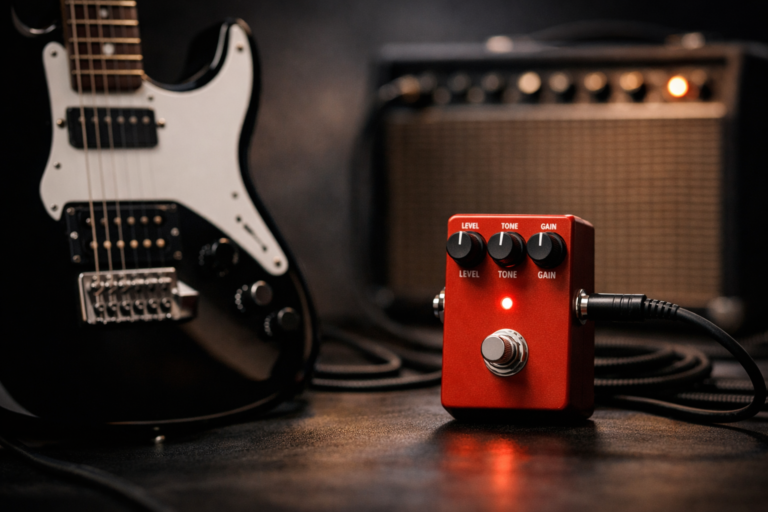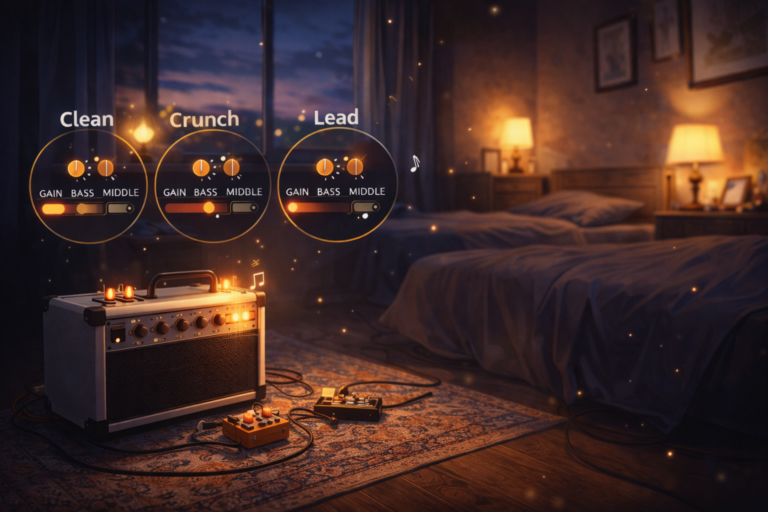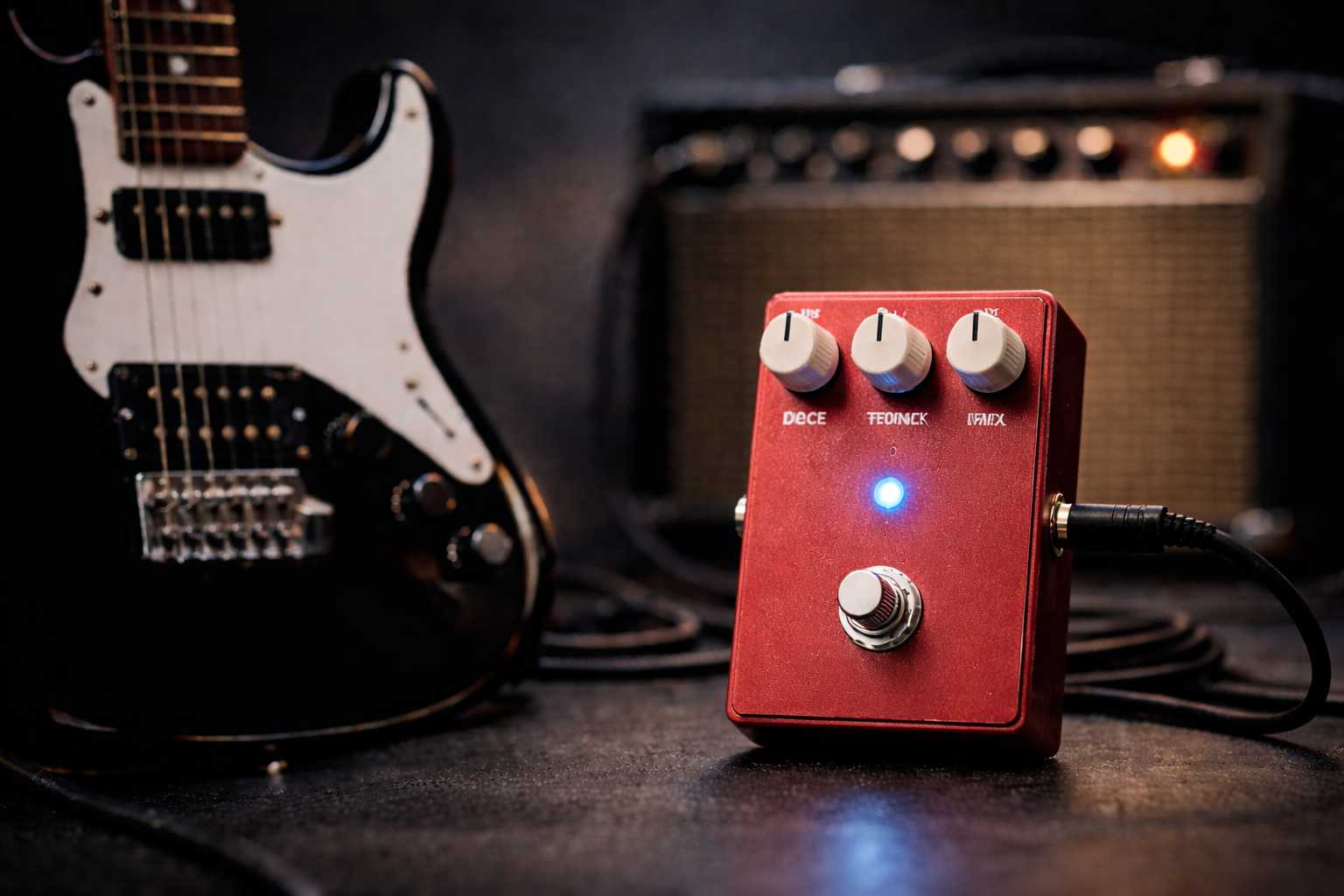
What Does a Reverb Pedal Do? Clear Space, Depth & Usable Settings
If you’ve ever wondered “what does a reverb pedal do?”, the short answer is that it gives your guitar a sense of space – from a small room to a huge hall. How musical it feels instead of messy depends on how you set the core controls.
In a real guitar rig, reverb isn’t just “echo on everything.” It reacts to your pickups, gain level, and playing dynamics. Used right, it makes clean chords feel wider, adds depth to lead lines, and helps the guitar sit in the mix without turning into mud.
This guide focuses on what a reverb pedal actually does, how the main knobs change the feel, and how to get clear, usable settings at normal home volume on a combo, modeler, or amp sim.
At a glance: treat reverb as the room around your tone – you keep the note in front and place just enough “space” behind it to feel bigger without losing definition.
If you want one simple answer:
- Best “always on” move: short decay, low Mix, darker tone – just enough reverb that you miss it when it’s off.
- Best lead reverb move: plate or hall, medium decay, Mix under 25%, darker tail so the notes still cut.
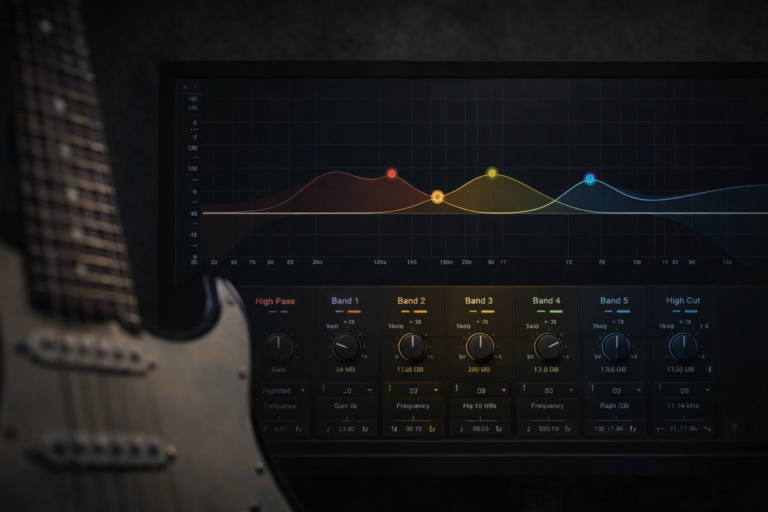
- Best “fix everything faster” move: set a neutral EQ baseline and build reverb around it using small Mix changes, not huge Decay jumps – use a reference like the guitar EQ cheat sheet if you get lost.
If you’re still building your first board and want to see where reverb sits next to overdrive, distortion, fuzz and delay, you can zoom out with the hub: guitar pedals for beginners.
60-second reverb setup (table)
Use this when you want a fast, repeatable starting point. It works on most rigs because it puts the “big levers” in the right order: baseline first, then Decay, then Mix, then Tone.
| Step | Set this | Listen for | Fast fix |
|---|---|---|---|
| Step 1 | Amp baseline (dry tone first) | Comfortable clean or driven sound with no reverb | Get your dry tone right before touching reverb or delay. If you’re not sure where to start with EQ, use the guitar EQ cheat sheet as a neutral baseline. |
| Step 2 | Decay / Time (how long the space lasts) | Reverb tail dies before the next phrase | If the room keeps ringing when you start a new part, shorten the decay. |
| Step 3 | Mix (how loud the reverb is) | Dry note stays clearly on top | If reverb feels like a blanket, lower Mix before anything else. |
| Step 4 | Tone / High-cut (brightness of the tail) | Reverb supports your tone instead of hissing over it | Bright rig? Darken the reverb. Dark rig? Keep it neutral or slightly bright. |
10-second reality check: Play a short phrase, then mute the strings. If the reverb keeps ringing long after you stop, your Decay or Mix is too high for most home or band contexts.
What does a reverb pedal do (really)?
A reverb pedal simulates the sound of your guitar in a space: a room, hall, plate, or something more creative. Technically it creates a dense series of reflections after your dry note; musically it adds depth and glue.
When guitarists ask what does a reverb pedal do, they’re usually trying to decide if they need anything beyond their amp’s built-in reverb, or how to keep reverb from turning everything into mush.
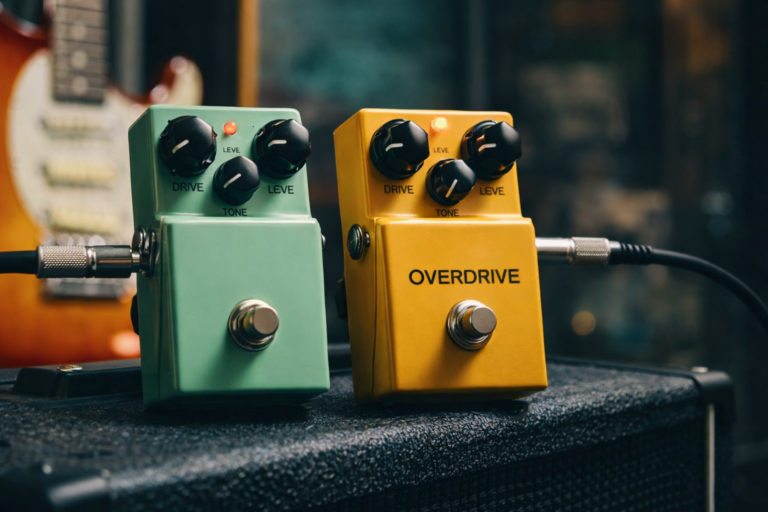
Compared to overdrive, distortion, or fuzz, reverb doesn’t change your core tone as much as it changes the environment that tone sits in. That’s why tiny Mix changes often matter more than extreme Decay settings. If you’re still deciding which gain type to lean on before shaping space around it, this comparison helps: overdrive vs distortion vs fuzz.
In short: a reverb pedal makes your guitar sound like it’s in a real space, but good settings keep that space behind the playing instead of on top of it.
Reverb pedal basics: the key controls
Different pedals use different names, but almost all of them revolve around these controls. Once you know what each one really does, you stop guessing and start dialing.
Decay / Time
How long the reverb tail lasts. Short decay feels like a small room, longer decay feels like a hall or big space. For most rhythm playing, you want the tail to die before your next chord change.
Mix / Level
How loud the reverb is compared to your dry signal. For guitar, the dry note almost always needs to stay louder than the reverb, especially with gain.
Pre-delay
The tiny gap between your dry note and when the reverb starts. Zero pre-delay = reverb glued directly to the note. A short pre-delay (10–40 ms) keeps the attack clear and pushes the “room” slightly behind your picking.
Tone / High-cut
Controls how bright or dark the reverb tail is. Darker tails stay out of the way and feel more natural; bright tails can be cool for surf or special effects, but they get harsh quickly on bright amps.
Modulation (if present)
Adds gentle pitch movement to the reverb tail. At low settings it can feel lush and chorus-like; at higher settings it becomes a special effect rather than an always-on sound.
At a glance: decay = how long • mix = how loud • pre-delay = how separate from your pick attack • tone = how bright the space feels.
Common reverb pedal flavors (why they feel different)
Most reverb pedals offer more than one type. Here’s how the main flavors behave under the fingers.
Room
Short, natural-sounding reflections. Great as an “always on” space, especially at home volume.
Hall
Bigger, longer tails. Ideal for melodic leads and ambient parts, but needs careful Mix/Decay to avoid washing out rhythm playing.
Spring
Classic amp-style drip and bounce. Perfect for surf, country, and vintage-leaning clean tones. Can get splashy if Mix is too high.
Plate
Smooth, even tail that works great on leads and vocals. On guitar it’s a very safe all-rounder for clean and gainy tones.
Shimmer / ambient
Extra octave or modulation in the tail. Huge for worship and cinematic sounds, easy to overdo in a normal band mix.
Quick takeaway: room/plate are your reliable “just sounds good” options; spring is a flavor move; hall/shimmer are for big, sparse parts, not everything.
How to choose a reverb pedal
Choosing a reverb pedal is mostly about how simple you want the controls to be, and whether you need anything beyond what’s already in your amp or modeler.
1) Check what you already have
If your amp or modeler already has a good basic reverb, a pedal only makes sense if you want a different flavor (spring / plate / shimmer) or more control (pre-delay, tone, Mix before/after drive, etc.).
2) Decide how many modes you actually use
If you only ever use “a little room” and “a bit more for solos,” a simple single-mode pedal is enough. If you swap between room, plate, spring, and ambient sounds, a multi-mode pedal or small multi-FX starts to pay off.
3) Think about placement: amp reverb vs pedal
Amp reverb is usually after the preamp and always last in the chain. A reverb pedal can go in front of the amp, in the effects loop, or even after the amp in a modeler chain. That flexibility is the main reason people buy pedals even if their amp has reverb.
Pedal reverb vs amp reverb: amp reverb is simple and usually sounds great with clean tones; a pedal lets you change flavor, place reverb in the loop, and keep your sound consistent across different amps.
Dial-in method (works on most rigs)
This is the same boring-but-effective method used in the overdrive, distortion, and fuzz guides: fix the source tone first, then add only as much “effect” as you need.
- Dial your dry sound: pick the amp channel (clean, edge-of-breakup, or driven) you’ll actually use, with no reverb or delay.
- Pick a reverb type: start with room or plate – they’re the easiest to control.
- Set Decay short–medium: turn Decay until the tail dies roughly between phrases, not over them.
- Raise Mix slowly: increase Mix until you clearly notice the space, then back it off a hair.
- Add pre-delay if available: a little pre-delay keeps your pick attack clear, especially with gain.
- Fine-tune Tone: darken bright rigs; leave neutral or slightly brighter for darker amps.
One sentence that saves time: if reverb feels messy, lower Mix and Decay; if it feels dry and small, lengthen Decay a bit before touching Mix.
If your sound falls apart specifically at quiet apartment or bedroom levels, combine these steps with the dedicated low-volume guitar tone guide so you’re not trying to fix a weak dry sound with more reverb.
Realistic starter settings (table)
These presets aren’t “studio perfect.” They’re practical starting points for how people actually use reverb pedals at home. Land on the closest one, then adjust by ear.
| Preset | Rig | Type | Decay | Mix | Notes |
|---|---|---|---|---|---|
| A | Clean amp, single-coils | Room or light plate | Short → medium | Low (10–20%) | “Always on” feel; you miss it when it’s off, but it never jumps out. |
| B | Edge-of-breakup rhythm | Room or spring | Short | Low (under 15%) | Keeps chords readable and groove tight; great for worship / indie rhythms. |
| C | Lead tones / solos | Plate or hall | Medium | Low–mid (15–25%) | Use short pre-delay if possible so the attack stays clear and the tail blooms behind it. |
| D | Ambient swells | Hall or shimmer | Long | Mid (25–35%) | Works best with sparse playing; pair with delay from the delay pedal guide, and for how they share space in the same rig, see the dedicated delay and reverb pedal comparison. |
Preset watch-outs:
- A: if the sound feels smaller when you turn reverb off, you’re in the right zone; if it feels clearer, Mix may be too high.
- B: if rhythm parts blur together, shorten Decay first, then reduce Mix.
- C: if leads disappear in a mix, lower Mix and darken the tail instead of adding more gain.
- D: this one is for sparse parts; if you’re strumming constantly, it will overwhelm everything.
Fix common reverb problems
Problem: muddy / unfocused tone
First move: shorten Decay and lower Mix.
- Turn Decay down so tails die before your next chord change.
- Lower Mix until the dry note clearly leads the sound.
- Darken the reverb tail slightly with Tone or High-cut.
Problem: sounds like “too much reverb” all the time
First move: treat reverb like a seasoning, not the main ingredient.
- Use one “always on” preset (short Decay, low Mix) and a separate “big” preset for special parts.
- Turn reverb off entirely while you dial your basic drive tones; then add just enough back in.
- With high-gain sounds, think “hint of space,” not “huge hall.”
Problem: reverb feels wrong in the signal chain
First move: move reverb after drive and try it in the loop if your amp has one.
- Standard order: tuner → drives → modulation → delay → reverb.
- If reverb in front of the amp gets weird under gain, move it to the effects loop.
- Experiment with swapping delay and reverb for ambient sounds; for tight rhythm, reverb last is usually safest.
Problem: noise / hiss when reverb is engaged
First move: check gain staging before blaming the pedal.
- Make sure you’re not boosting the front of the pedal with unnecessary gain or volume pedals.
- Check power supply quality; cheap daisy chains can add hiss with digital reverb units.
- If the pedal has a level control, match unity instead of using it as a big volume boost.
If you’re troubleshooting how to use a reverb pedal, the fastest fixes are almost always: shorter Decay, lower Mix, darker tails, and placing reverb after your main drive sounds.
FAQ
What does a reverb pedal do?
A reverb pedal makes your guitar sound like it’s in a real space by adding a tail of reflections behind the note. Musically, that means extra depth and a more three-dimensional feel, as long as the reverb stays behind your dry tone.
What does a reverb pedal do for guitar?
A reverb pedal simulates the sound of your guitar in a space, adding depth and sustain-like tails. Used well, it makes your playing feel bigger and more three-dimensional without needing more gain or volume.
Do you need a reverb pedal if your amp has reverb?
Not always. If you like your amp’s basic room or spring sound, that might be enough. A pedal becomes useful when you want extra flavors (plate, hall, shimmer), more control (pre-delay, tone), or consistent reverb when you switch amps or use an amp sim.
Where should I put a reverb pedal in my signal chain?
Most players put reverb after drives and delay, and in the effects loop if the amp has one. That keeps the space after your gain and makes the tail clearer. Putting reverb in front of heavy distortion can get messy fast.
How much reverb is too much?
If your rhythm parts blur together or your leads disappear in a mix, it’s too much. As a rule, if you notice the reverb more than the notes, lower Mix and shorten Decay until the playing comes back to the front. At low bedroom volume, that often means using less Mix than you think and fixing the dry tone first with something like the low-volume guitar tone approach.
What’s the difference between reverb and delay pedals?
Delay repeats your note as clear echoes; reverb is a dense cloud of reflections that feels like a room. For most players, delay handles rhythmic clarity and reverb adds background space. They work best together when delay is set first and reverb is used to taste on top. For a deeper side-by-side look at how they interact, see the dedicated delay and reverb pedal guide.
About this guide
- How it’s built: same structure as the overdrive, distortion, fuzz, and delay guides – repeatable order (baseline → decay → mix → tone) plus quick presets and “fix it fast” sections.
- Experience behind it: based on years of home practice, small-room gigs, and testing reverb pedals on clean blackface-style amps, mid-forward EL84 combos, and common modelers / amp sims at realistic home volume, where too much ambience ruins clarity faster than bad picking.
- What we test while dialing in: chord clarity • tail length vs song tempo • how reverb interacts with existing delay repeats • whether leads stay on top at realistic volume.
- Who this is for: guitarists building a first pedalboard or refining a small rig, especially if they’re already using overdrive, distortion, or fuzz and want reverb that supports rather than buries their tone.
- What it’s not: a brand ranking; specific model picks and “best reverb pedals” live in separate gear roundups.
- Last updated: 2026-01-02
If you want the bigger picture of where reverb fits alongside drives, delay, and modulation, use the hub: guitar pedals for beginners.